

Accessing Your BIM Twin from the Field
How leading hotel renovation teams use mobile access to the digital twin on site — reducing information lag, improving trade coordination, and catching issues before they become RFIs.
Overview
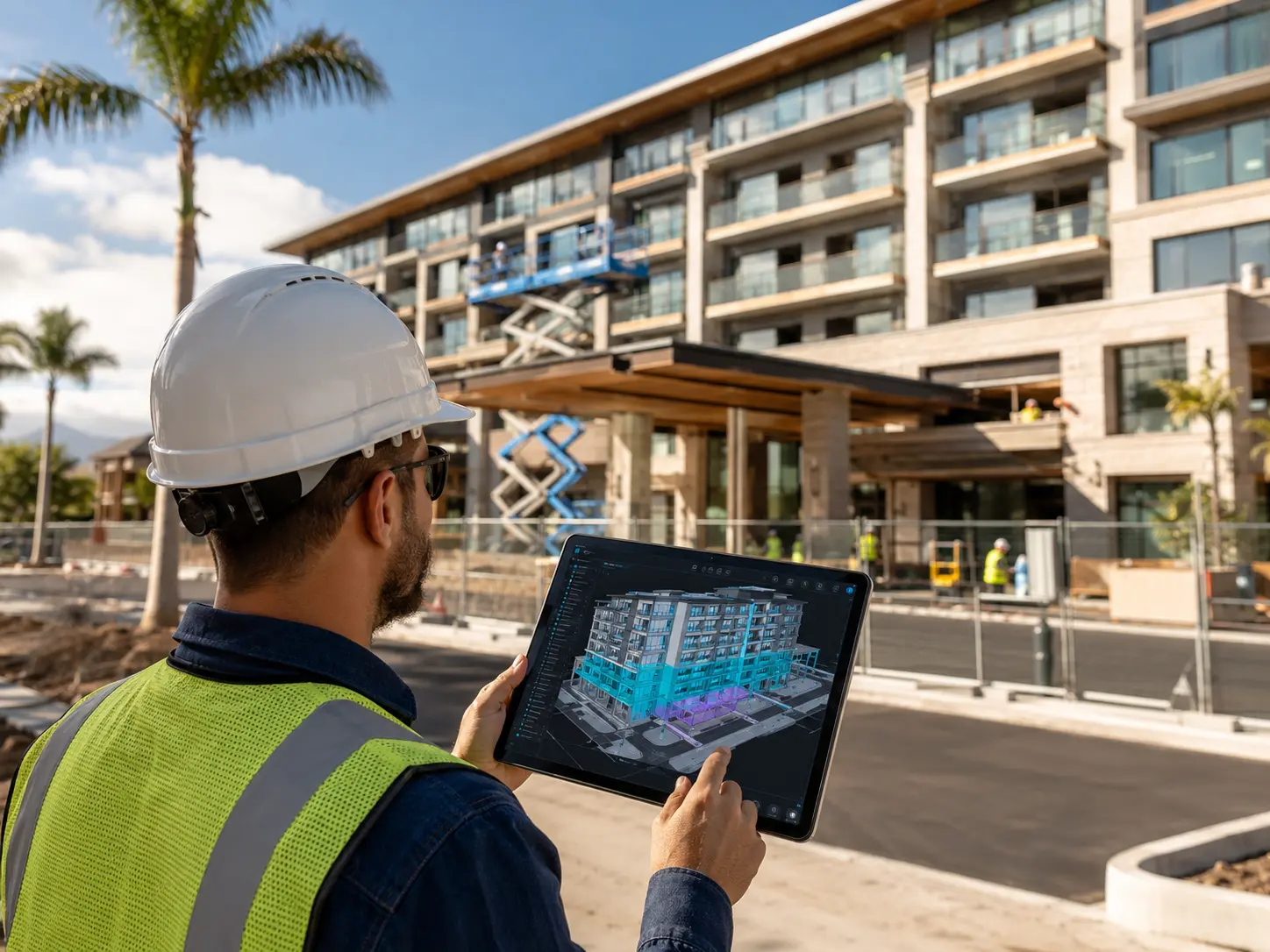
A BIM model that lives only on a desktop workstation is not a field tool. This guide examines the mobile access patterns used by high-performing renovation teams to bring the digital twin into daily site operations — from QA walks to trade coordination meetings to owner progress reviews conducted from the property itself.
You’ll learn how to
-
Configure mobile access to the WeReno twin for field use without connectivity compromises
-
Use the 3D twin during site walks to document observations against specific rooms and elements
-
Enable trade leads to review scope assignments and report progress from their phones
-
Conduct owner progress reviews using a live model instead of static photo reports
Key takeaways
-
1
Field-accessible twins reduce information lag between site and office by up to 80%.
-
2
Mobile punch list capture tied to the 3D model cuts re-inspection rates significantly.
-
3
Trade leads with model access resolve assignment conflicts without waiting for office escalation.
The twin is most valuable when it travels with the team. Field access to the digital model closes the gap between what is designed, what is built, and what is documented — and it does it in real time, on the ground, where decisions actually happen.