

Managing punch lists and FF&E in your twin
Track open items, assign responsible parties, and close out FF&E against your model in real time — so your punch list is spatially organized instead of buried in a spreadsheet.
Overview
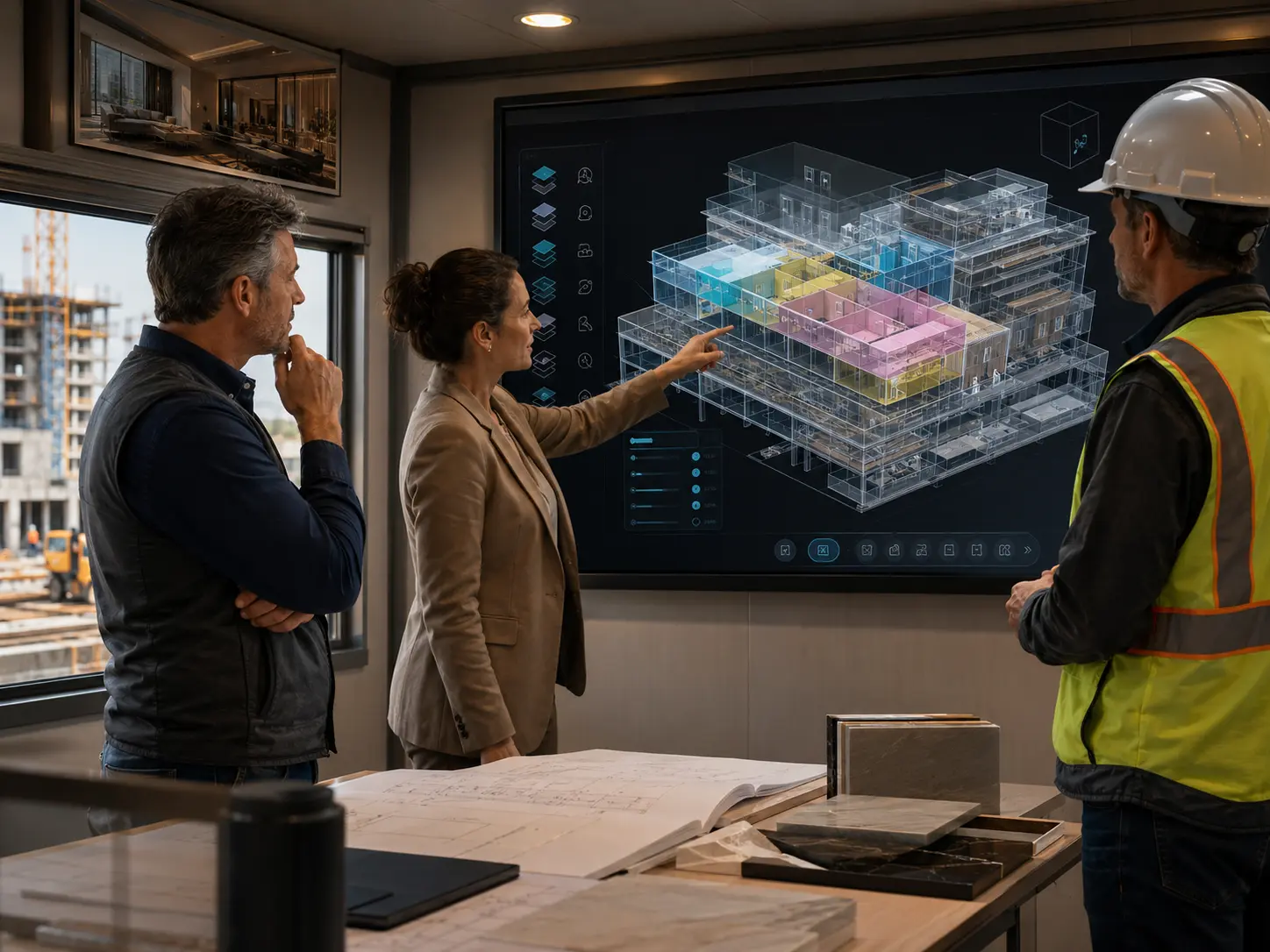
Punch list management and FF&E tracking are two of the most time-intensive closeout activities on any hotel or commercial renovation. This tutorial shows how WeReno replaces disconnected spreadsheets with a spatially-organized system where every open item and every furniture piece is linked to the exact room or zone it belongs to.
You’ll learn how to
-
Create punch items directly in the 3D twin by clicking on the affected room or element
-
Assign items to trades, set due dates, and attach photos from the field
-
Track FF&E delivery and installation status against your room list in real time
-
Generate a room-by-room completion report for owner sign-off at project closeout
Key takeaways
-
1
Punch items created in the twin are automatically linked to a room, floor, and zone — no manual tagging required.
-
2
FF&E status tracking against the model eliminates the end-of-project scramble to reconcile delivery records.
-
3
Room-level completion reports generated from the twin reduce closeout meeting time significantly.
Punch list and FF&E management are where most renovation projects lose time at the end. A spatially-organized system that keeps every item linked to a specific location — with clear ownership, status, and photo documentation — makes closeout faster, cleaner, and less contentious for all parties.